
Category: Events

Hack/Doc at Smith: Day 1

Red-tinted clouds above trees and a river
Red sky at night after a day of rain. Photo credit: Charles Fulton

The theme of this summer’s Hack/Doc Fest is the snowclone:

noun

      1. a cliché and phrasal template that can be used and recognized in multiple variants.

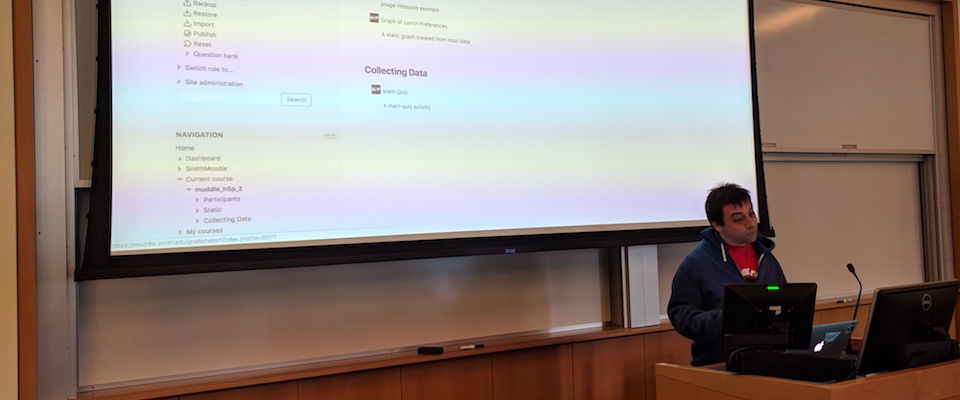
Examples of this concept include “X is the new Y”, or “in space, no one can X.” Localized variants for this Hack/Doc include “Have Moodle, will travel”, “The mother of all tracker issues”, and “In Soviet Russia, Moodle Hack You.” That established, we began tackling the ever-expanding task list hashed out during Sprint Day.

Timeless Gradebook documentation

The morning session featured a large group discussion of the grade book, including common pain points and our various approaches to them. We created a new shared Google document, Gradebook Documentation and Advice, which contains a set of best practices and links out to individual school’s documentation. The document also contains a summary of overlaps between everyone’s documentation, which might be useful for onboarding new faculty.

Gaming lab tour
Man standing in a room with gaming consoles
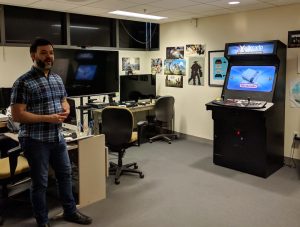
Nick Baker explains the uses of the Gaming Lab

In the afternoon Nick Baker, our host at Smith’s Imaging Center, conducted a tour of the Gaming Lab. The lab is a collaboration with Film and Media Studies, and provides a space for students to “play, explore, experience and critique video games and virtual environments.”

From the task list

Moodle 3.7 Liberal Arts Edition release

The first Moodle 3.7 LAE release is ready for testing. Moodle core completely rewrote the internals of the forum module for this release. This change was long overdue and CLAMP is excited for the future changes this “brush-clearing” will enable. The only downside is that the Anonymous Forums patch had to be completely reimplemented to accommodate the change!

Exploring LTI

Several participants followed up on Daniel Landau’s LTI workshop by experimenting with custom LTI integrations and have started work on a document called A Framework for Evaluating Potential LTIs. This document explores what an LTI is, what common capabilities of an LTI are, how they’re installed, and potential pitfalls when using an LTI. We’re also curating a list of existing LTI installations at CLAMP schools.

Workday

Several schools are moving to Workday as a backend information system, or considering it. Chad Bergeron at Brandeis has started documenting their approach to a potential Workday-Moodle integration.

Competencies for information literacy

Occidental College is working on ways to more closely align their information literacy instruction with the ACRL IL Framework. Although we are tasked with IL instruction, there is no requirement that any courses embed this sort of instruction into the curriculum. This past semester, we have been investigating mapping ACRL frames to Moodle competencies and associating activities/assignments/projects on which we are collaborating with faculty with those competencies. Darren Hall is putting together a document for setting up and using competencies for this effort.

Navigation customizer

Andy Zito from Lafayette College has built a new plugin, Flat Navigation Customizer. This plugin will allow site administrators to add custom links to the left-hand “flat navigation” or “drawer” on sites using the Boost theme. One intended to use case is to add a link for Quickmail, eliminating the need for adding the block to every course.

Moodle 3.7 review

As mentioned above, there are numerous changes to the forum in 3.7. One new feature is “in-page forum post reply.” Clicking reply in a forum now opens a reply window in situ, without taking you to a new page. Note that the inline reply doesn’t load the Atto editor. While not technically a bug, this limits this type of reply to “quick” responses only. Adding images, formatting text, or other such niceties (audio/video WebRTC) requires clicking the “advanced” link (which isn’t necessarily obvious), which will bring you to the previous separate page for replying.

Another new forum feature is the “private reply“. Teachers and managers may make a private reply to a post; the reply is visible to the student to whom the reply was made, and all users with elevated roles. Students may not make private replies, and you cannot reply to a private post. After much discussion, CLAMP will not support replying to an anonymous forum post.

CLAMP infrastructure

Daniel Landau and Charles Fulton completed migrating the CLAMP Moodle Exchange to new hosting on Amazon Web Services, and Daniel’s now working on reimplementing CLAMP’s development environment.


Hack/Doc Fest Summer 2019 at Smith College: Event page | Sprint | Day 1 | Day 2 | Day 3
Hack/Doc at Smith: The Sprint Day

Two-story building with glass entry
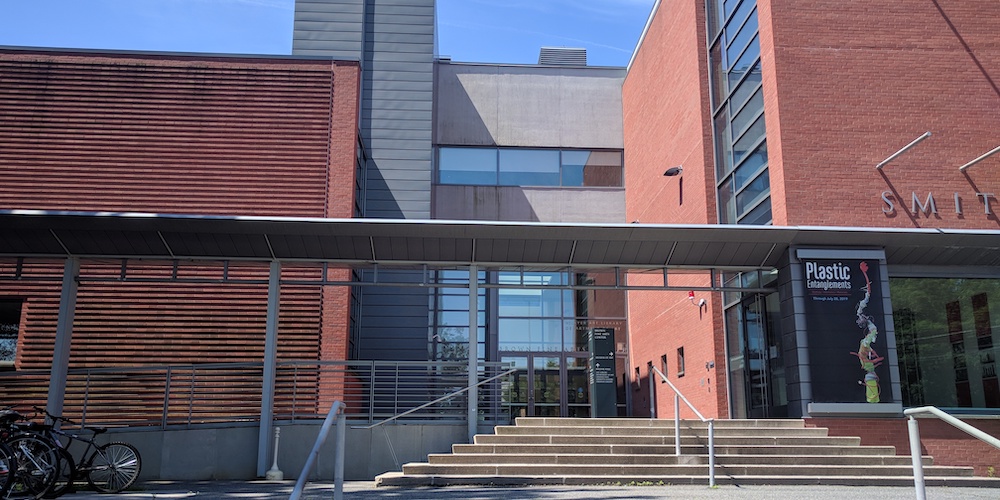
Hillyer Art Library at Smith College. Photo credit: Charles Fulton

LTI integration and the Women’s World Cup are among the topics discussed during the sprint (half) day at Smith.

The biannual Hack/Doc is being held at Smith College in Northampton, Massachusetts. The event kicked off on Monday, June 24, 2019 with the sprint day, and runs through Thursday, June 27. The following tasks are queued up for Hack/Doc:

  • Evaluating Moodle 3.7
  • Trying out alternatives to Mozilla Backpack with OpenBadges 2.0
  • Refactoring CLAMPMail to work better in Boost
  • Group discussion about Swarthmore’s PDF accessibility block
  • Workflows for a potential Workday integration
  • Using competencies for an information literacy curriculum
Conference table with people sitting around it
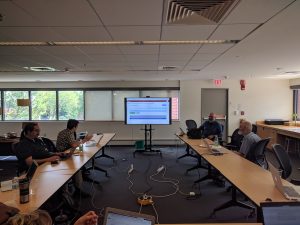
Daniel Landau leads the LTI workshop

Daniel Landau from Reed College kicked us off with a workshop in LTI integrations. LTI is a protocol for interoperation between remote resources and a learning management system. It eliminates the need to build custom integrations for a specific LMS such as Moodle or Canvas.  Resources from the remote system can be embedded in the LMS, which handles the authentication. Typically an iframe handles the actual rendering of the data. The experience for the student is seamless.

We also had a spirited discussion about what qualifies as a penalty in soccer, with high points corresponding to the yellow card on Megan Rapinoe and her go-ahead goal against Spain at 76′. The US vs. France quarterfinal will be on Friday. Previous attendees recalled watching the US Men’s team in the 2014 World Cup while attending the Hack/Doc Fest at Macalester College.


Hack/Doc Fest Summer 2019 at Smith College: Event page | Sprint | Day 1 | Day 2 | Day 3
Join Us for Moodle Hack/Doc Fest, Summer 2019

CLAMP Moodle Hack/Doc Fest, Summer 2019 will be held Tuesday, June 25 through Thursday, June 27 2019 at Smith College in Northampton, Massachusetts. A pre-Hack/Doc documentation and coding sprint as well as a workshop on LTI applications will be held on Monday, June 24.

The lodging deadline is Wednesday, May 29, 2019. The event registration and travel grant application deadline is Friday, June 7, 2019.

Hack/Doc at Brandeis: Day 3

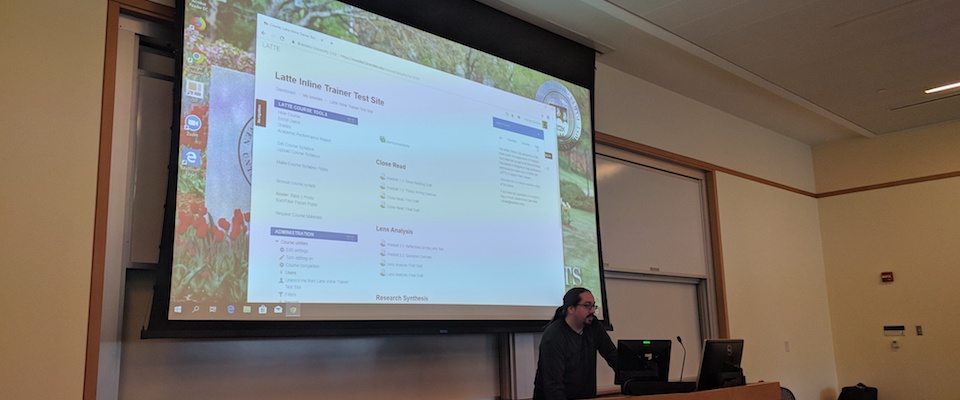
Chad Bergeron demonstrates the Moodle Inline Trainer plugin. Photo credit: Charles Fulton

The last day of Hack/Doc, as usual, was a bit shorter due to attendee travel plans. We wrapped up around lunch time after some discussions about Moodle 3.6, student projects, and user training.

Moodle Inline Trainer

Chad Bergeron demonstrated the Moodle Inline Trainer, a plugin in use at Brandeis University. This plugin was developed by Zak Kolar, then a student, in partial fulfillment of his senior thesis on how teachers use technology. This is independent of Moodle’s “user tours” functionality. Teachers may select from a list of available trainings which provide step-by-step instructions. For some steps instructional videos are available. An overlay feature will highlight the next place to click if the teacher gets stuck. Usage data is collected for review by site administrators. The plugin is open source, but no formal release is planned.

Moodle 3.6 features

Download participants table

The new merged participants list now allows the downloading of enrolled users. Previously the only place to get that information was via the grader report. There’s a set of controls on the bottom of the participants page similar to the bulk user actions list. All the standard data formats are supported. You can select some or all the participants.

Forum emails will display images from authenticated courses

This change addresses a long-standing problem for many CLAMP schools: when a forum email notification is viewed in a desktop client, the images are not visible, because they’re behind authentication. We couldn’t get this working in CLAMP test instances, but that could be down to peculiarities with CLAMP’s environment.


Hack/Doc Fest Winter 2019 at Brandeis University: Event page | Sprint | Day 1 | Day 2 | Day 3 
Hack/Doc at Brandeis: Day 2

Joe Bacal warms up the crowd at Brandeis before diving in to H5P. Photo credit: Charles Fulton

Work on the task list continued during Day 2 of the Moodle Hack/Doc Fest at Brandeis University, punctuated by three lunchtime presentations from members of the community.

Lunchtime presentations

Joe Bacal from Smith College presented on H5P and how they’re using it at Smith. H5P is an interactive, web-based content authoring tool. We kicked the tires on it at Hampshire College in 2017, and again at Lafayette College in 2018. Students at Smith used H5P in WordPress to create a spatial representation of a story’s plot. The use case for Moodle is different, because authoring is restricted to teachers. One useful way for teachers to leverage H5P content is to create quizzes. These integrate seamlessly with the Moodle grade book. In response to concerns from some of the attendees, Joe noted that H5P has published a guide on the accessibility of its various components.

Kevin Wiliarty from Hampshire College provided an update on the state of the Filtered Course List block. Filtered Course List provides a curated list of courses for faculty and students which is less cluttered than the traditional course list block. New features include listing courses based on enrollment method, support for starred courses, and persisting tree expansion between page reloads.

Finally, Andrew Reuther from Swarthmore College demonstrated the latest improvements in Swarthmore’s PDF accessibility tool. The tool scans uploaded PDFs and checks for various accessibility features, including title, outline, language, and the presence of OCR text. A block exposes the information on a per-course basis to instructors. New functionality will allow instructors to “repair” inaccessible PDFs within Moodle, without uploading a new file. Using Ghostscript, which is installed on most Moodle servers by default, an instructor can set the title and language, after which the PDF will be recreated and updated. In addition, Swarthmore is using its subscription to SensusAccess to scan and generate OCR text for PDFs which don’t have them. In addition, Swarthmore is adding site-wide administrator reporting tools.

From the task list

We continued to work on yesterday’s tasks and added a few new ones:

Copy and paste of images from one WYSIWYG window to another

This is another new feature in Moodle 3.6, and one with a strong CLAMP pedigree. If you copy/cut text and images from one editor window (either Atto or TinyMCE) to another, it appears to work for a short period of time but then subsequently returns a broken image. This was a complicated bug which had to do with how Moodle handles drafts. Charles Fulton (Lafayette College) and Willy Lee (then at Carleton College) first reported the bug in April 2014, during CLAMP’s Development Workshop at Smith College. CLAMP’s proposed fix, after many revisions, was included in the Moodle 3.6 release and works as expected. Copying and pasting images from one editor window to another will no longer result in a broken image.

Live quiz report

This is a quiz report plugin developed by Bill Junkin at Eckerd College. A teacher may view a live spreadsheet showing student’s answers to a quiz, while the quiz is in progress. Possible use cases include teachers monitoring students’ progress during labs or teachers identifying students who need assistance in flipped classroom scenarios. The plugin worked out of the box; we used it to provide a live readout on where attendees wished to have dinner.


Hack/Doc Fest Winter 2019 at Brandeis University: Event page | Sprint | Day 1 | Day 2 | Day 3