
Moodle implemented a data privacy feature in response to Europe’s General Data Protection Regulation. CLAMP blogged about the GDPR and Moodle in 2018. The impact of the GDPR on the LMS at CLAMP schools has been limited. We do occasionally have students request exports of their data, and at the Connecticut Hack/Doc Fest we evaluated whether this feature would be helpful.
Data Privacy Officer
There is a “Privacy Officer” role in Moodle. “A Privacy officer can respond to data requests and manage the data registry.” A Moodle admin can do this too.
If enabled, Moodle users can send the Privacy Officer a request to download or delete all their Moodle data. The Privacy Officer receives an email notification and can approve or deny the request. If approved, a Moodle process starts to either generate a zip file containing all the user’s Moodle data or delete all the user’s data.
There are a variety of options to control the process, such as:
- Allowing users to request data download or deletion
- Automatic approvals of download or deletion of user data (self-service)
- Only allowing the Privacy Officer (or admins) to download the user data
Enabling “Contact the privacy officer” shows these options in a user’s profile page.
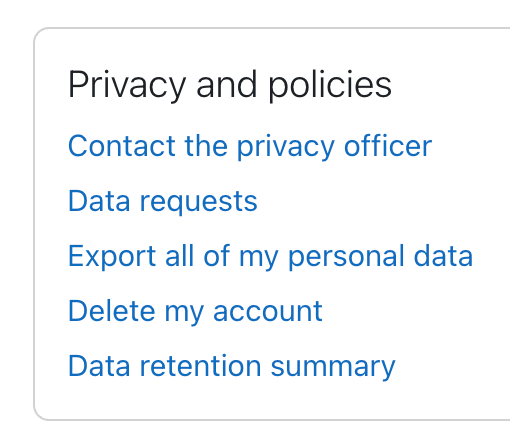
The data privacy settings are at: Site administration > Users > Privacy and policies > Privacy settings.
The exported user data file is a zip file containing an index.html file for handy navigation of the data.
- User data includes things such as recently accessed items, messages and notifications, draft files, the last access to each course, and log and session data.
- Course data includes activity data such as assignment submissions and forum posts, role assignments grades.
- There are other information categories such as Antivirus failures, user preferences, and autosave data that seem less useful.
Data registry
Moodle has a data registry system to control the retention length of different types of data. For example, student submissions to an assessment may need to be retained indefinitely to be able to provide evidence of student accomplishments, whereas general coursework such as forum posts might only be retained until graduation + 12 months.
The data registry enables categories (types of data) and purposes (the reasons for processing data) to be set for all content on the site, from users and courses down to activities and blocks. For each purpose, a retention period may be set. When a retention period has expired, the data is flagged and listed for deletion, awaiting admin confirmation.
Categories and purposes can be very granular and set at the individual activity level. This seems like a huge amount of work if you want to retain quiz data for a different amount of time than forum posts. The primary driver for this feature seems to be the GDPR and it requires considerable setup. Much of the terminology is GDPR-specific.
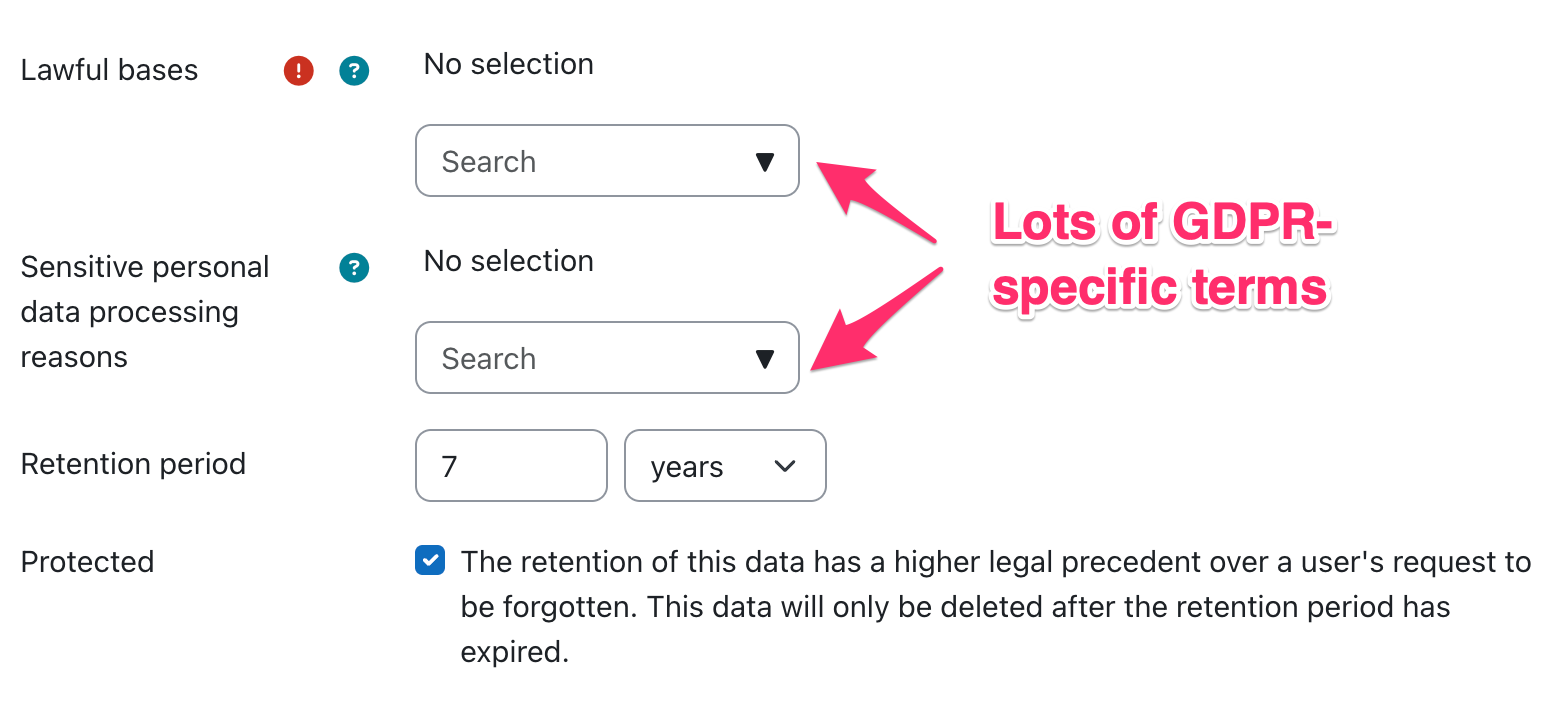
In some cases, the data retention policy can override the user’s deletion request.
Summary
Turning on user data requests seems like it could be helpful for graduating students who might want to keep a copy of their Moodle content. However, enabling the permission shows both the export and deletion options. It’s not possible to just enable export without enabling deletion.
Turning on user deletion requests seems potentially problematic since some of the data is used by faculty (e.g. course evaluations for tenure decisions). The Data Registry looks quite complicated and only seems useful for schools that want to implement strict data retention policies